What is an online presentation timer?+
An online presentation timer is a browser-based timer that helps hosts, speakers, and audiences see how much time remains. PresentationTimer adds a host control page, a shareable speaker display, color warnings, and overtime tracking.
How does PresentationTimer work?+
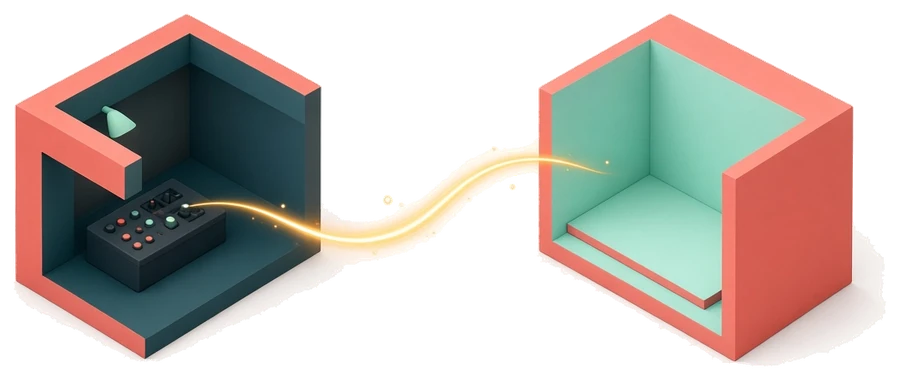
Create a timer room, open the host control page, and share the display link with a speaker screen or second device. The display follows the host timer so everyone sees the same countdown.
Can I use it for webinars and remote meetings?+
Yes. Use the display link in a screen share, webinar, remote meeting, or second browser window so speakers, hosts, and producers can follow the same presentation timer.
Do speakers need to install anything?+
No. PresentationTimer runs in the browser. Speakers and display devices can open the shared timer link without installing a separate app.
Why use it instead of a phone timer?+
A phone timer is private, easy to miss, and hard to share with a room. PresentationTimer makes time visible with a large display, host controls, warning colors, and overtime tracking.
What problems does PresentationTimer solve for hosts?+
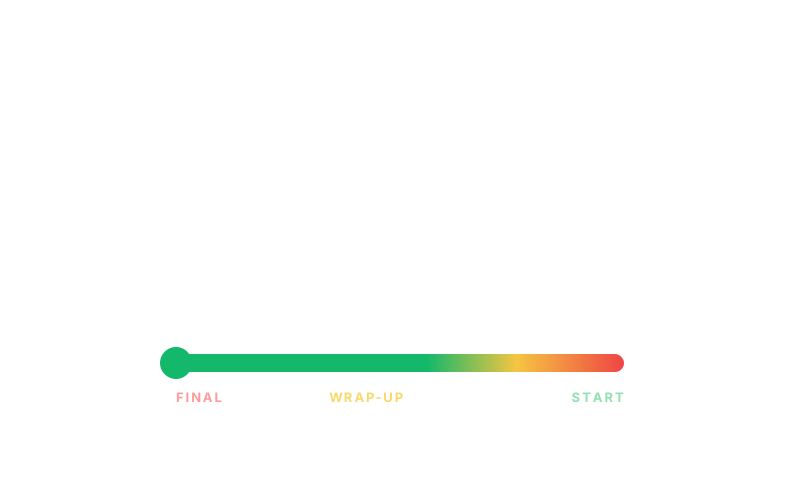
It helps hosts avoid hidden timers, late verbal interruptions, unclear wrap-up cues, and disconnected remote displays. The host controls the clock while speakers follow a visible display.
Who is PresentationTimer useful for?+
It is useful for event hosts, webinar teams, teachers, workshop leaders, founders, sales teams, and anyone who needs a visible timer for talks, demos, meetings, or live sessions.
Is PresentationTimer free?+
Yes. The current version lets you create a free single-timer room for a talk, class, demo, meeting, webinar, or live event session.